130 sec
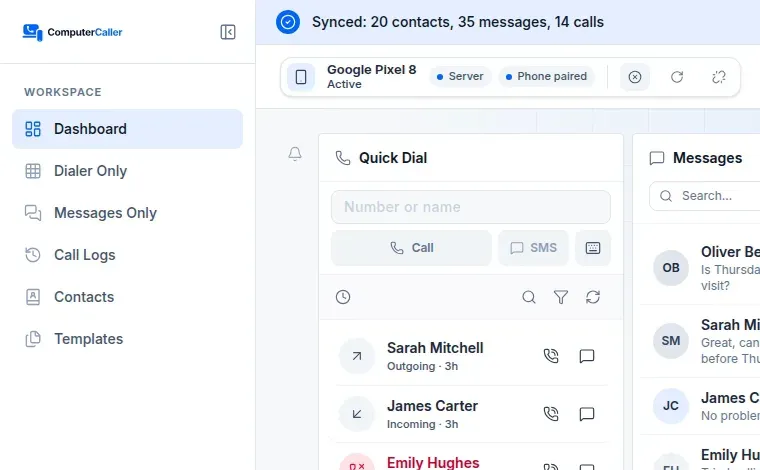
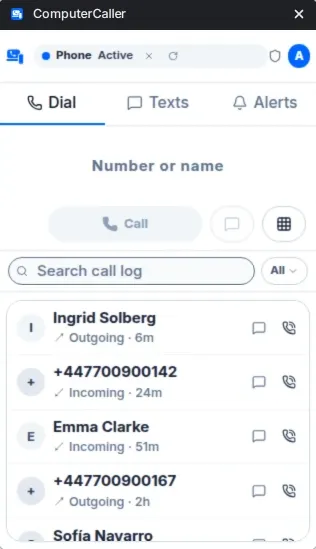
Sign up and open ComputerCaller
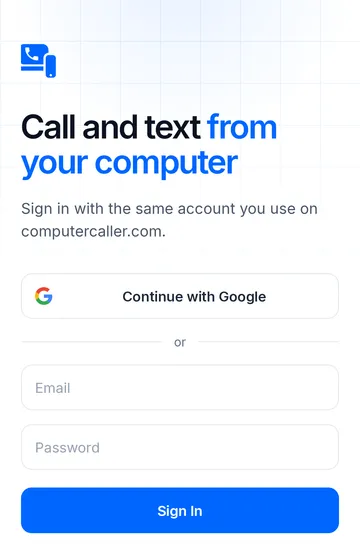
Create your account, then open the web app or add the Chrome extension.
Pro gives you more calls and texts, file sending and 12 months of history.
Call, text and send files from your computer for free. You get 50 calls and 50 texts a week.
$0/ month
Set up in about 2 minutes
What’s included
Calls, texts and the 500 MB start again every Monday.
For everyone who calls and texts from their computer every day.
6 dollars per month
Everything you need
Prices in US dollars. Checkout may show your local currency. Subscribe anytime from the app.
Not sure which plan fits? Email our team and we’ll help you choose.
Yes. On Free you get 50 calls and 50 texts a week, plus 500 MB of file sending a week. They start again every Monday. If you need more, Pro has no weekly limits and a full year of history. Either way, there are no per-minute fees: calls go through your phone and your own carrier.
No. There are no per-minute or per-message fees. Calls and texts go through your phone and your existing carrier plan, so they cost the same as using your phone directly.
Pro lets you send files between your phone and your computer, both ways, up to 5 GB a day. The receiving device has to accept each file, and files are passed straight through — never stored on our servers.
Yes. You can cancel Pro from your account at any time.
Not right now. The companion app is built for Android. On your computer, use the web app or the Chrome extension — on Windows, Mac, Linux or Chromebook.
No new SIM, no new number, no IT ticket. Three quick steps and you're calling from your computer.
Create your account, then open the web app or add the Chrome extension.
Install ComputerCaller from Google Play, log in, and allow the permissions it asks for.
The web app or extension finds your phone. Click Connect.
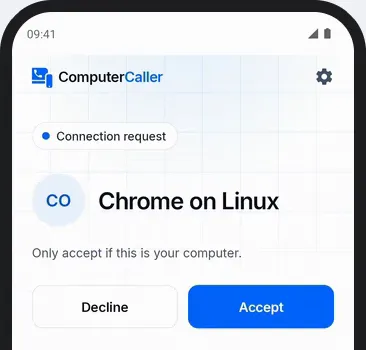
Then tap Accept on your phone. That's it.
 Add to Chrome
 Get Android App